02 · HOW IT COMPARES
The paid features, without the plan.
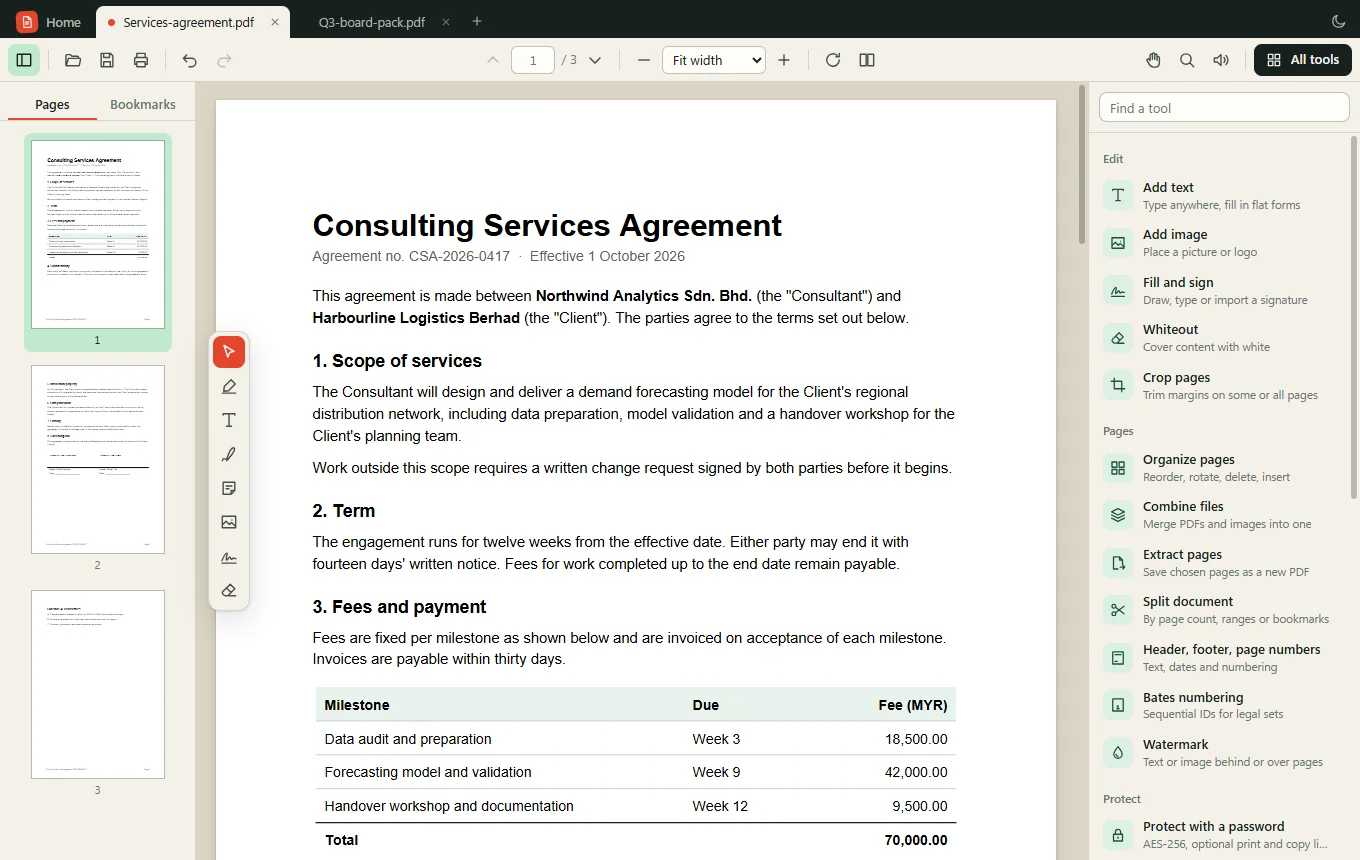
Free PDF readers are good at reading. The tools people actually get stuck on, such as removing a page, blacking out an account number or making a scan searchable, usually sit behind a subscription. YaPDF Desktop includes them.
| What you can do | YaPDF Desktop | Typical free reader | Typical paid PDF suite |
|---|---|---|---|
| Read, search, print, fill forms, sign | Yes | Yes | Yes |
| Reorder, rotate, delete and insert pages | Yes | No | Yes |
| Combine files and split documents | Yes | No | Yes |
| Redact so content is removed from the file | Yes | No | Higher tier |
| Recognize text in scans (OCR) | Yes | No | Yes |
| Password protection and permissions | Yes | No | Yes |
| Export to Word and images | Yes | No | Yes |
| Compare two versions of a PDF | Yes | No | Higher tier |
| Bates numbering, headers, footers, watermarks | Yes | No | Higher tier |
| Account or sign-in | Never | Often prompted | Required |
| Price | Free | Free | Monthly subscription |
Why it is so light
Most desktop PDF software ships its own rendering engine, its own browser runtime and its own OCR models, which is how installers reach hundreds of megabytes. YaPDF Desktop borrows what Windows already has: the Microsoft Edge WebView2 runtime draws the window, and the OCR engine built into Windows reads scans. The download only carries the PDF engines: pdf.js for display, pdf-lib for editing and qpdf for encryption, the same ones that power the YaPDF web tools.
The result is a 3.4 MB installer that installs for your account in a few seconds, starts quickly and leaves nothing running in the background: no updater service, no tray icon, no startup entry.